
-
 Solutions designed for Successful ApplicationsKnowledge ManagementApplication SecurityLocalization - CustomizationReportingWeb and Mobile Deployment
-
 Analyze PowerBuilder, Oracle, and SQL Server CodeImpact AnalysisKnowledge ManagementCode DocumentationCode Exploration
-
 Identity and Permissions Management for Business ApplicationsUser ManagementUser AuthenticationApplication-level PermissionControl, Audit and Reporting
-
 Modernize your PowerBuilder ApplicationsUpdate the Look of your ApplicationTake Control of your User InterfaceDesign Your Controls with Full PowerWide range of controls available
-
 Automated and Manual Software TestingObject-Based Tests resilient to UI changesFast Learning CurveNo ProgrammingCombine Automated and Manual TestingTest Plan Management
 -
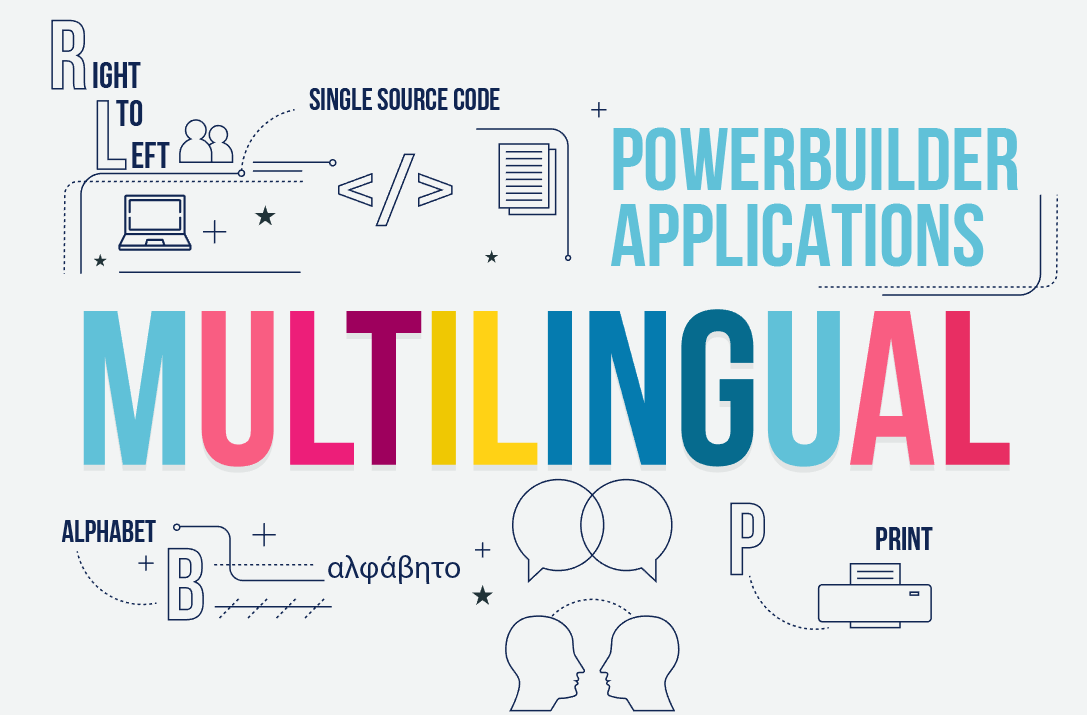 Make your PowerBuilder Applications MultilingualNo CodingAdapt the User Interface in Runtime
-
 Your PowerBuilder SpecialistGet help from PB Expert for your developments
Products
Visual Guard
Identity and Pemissions Management for Business Applications
- User Management
- User Authentication
- Application-Level Permissions
- Control, Audit and Compliance
More Solutions
Novalys develops and distributes innovative and powerfull add-ons to leverage Applications.
Learn more about application UI modernization, web deployment, reporting, DB Modeling, and more.
Novalys
In addition to developing and selling tools for developers, Novalys is involved in the following areas:
About Us
Novalys is an international Software Vendor, founded in 1998, privately held, with subsidiaries and distributors in North America, Europe, South America, Middle East and Asia.
Our vision

We believe that innovation through research and development drives business growth. This is why we invest 25% of our annual revenue in R&D, providing every year our customers with major innovations and added value.
Learn More